Five views, one clear plan
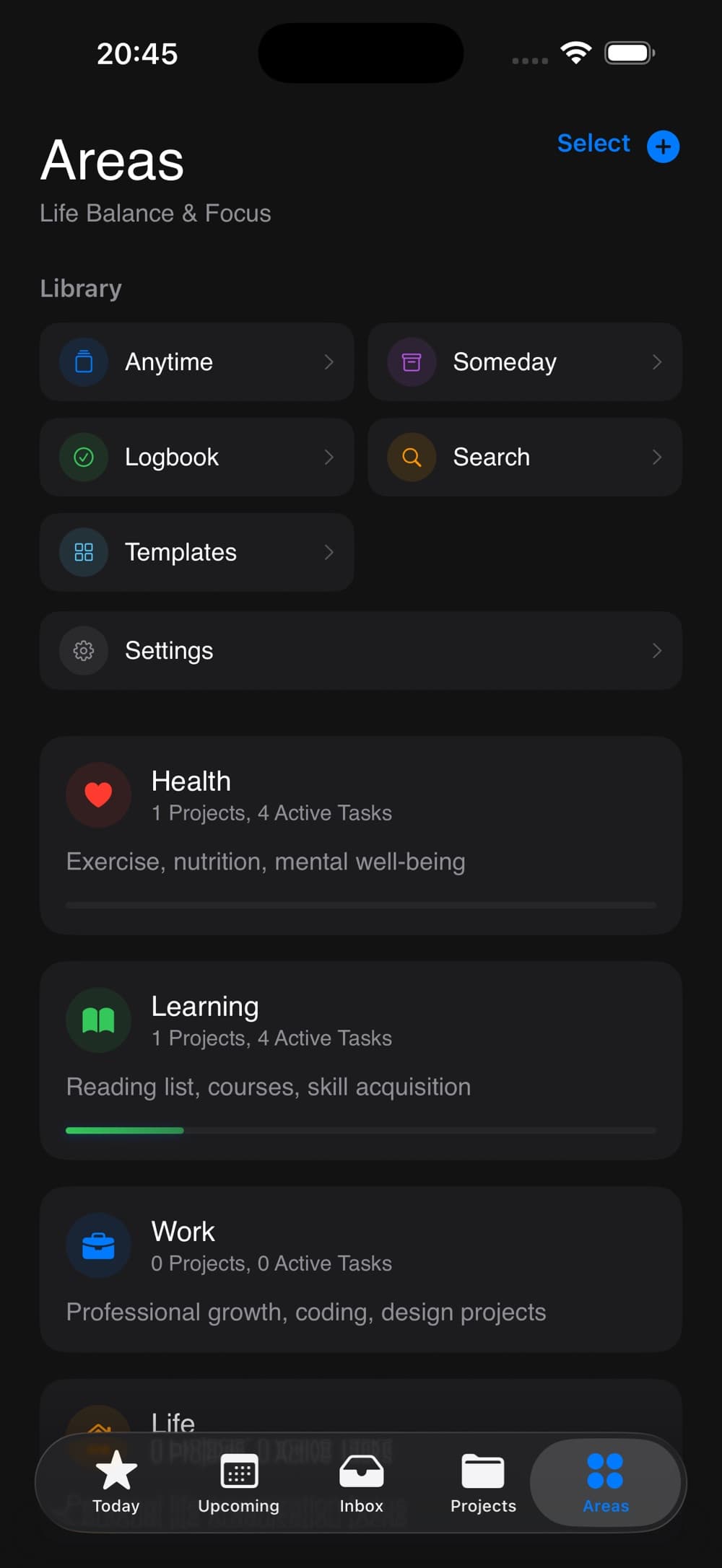
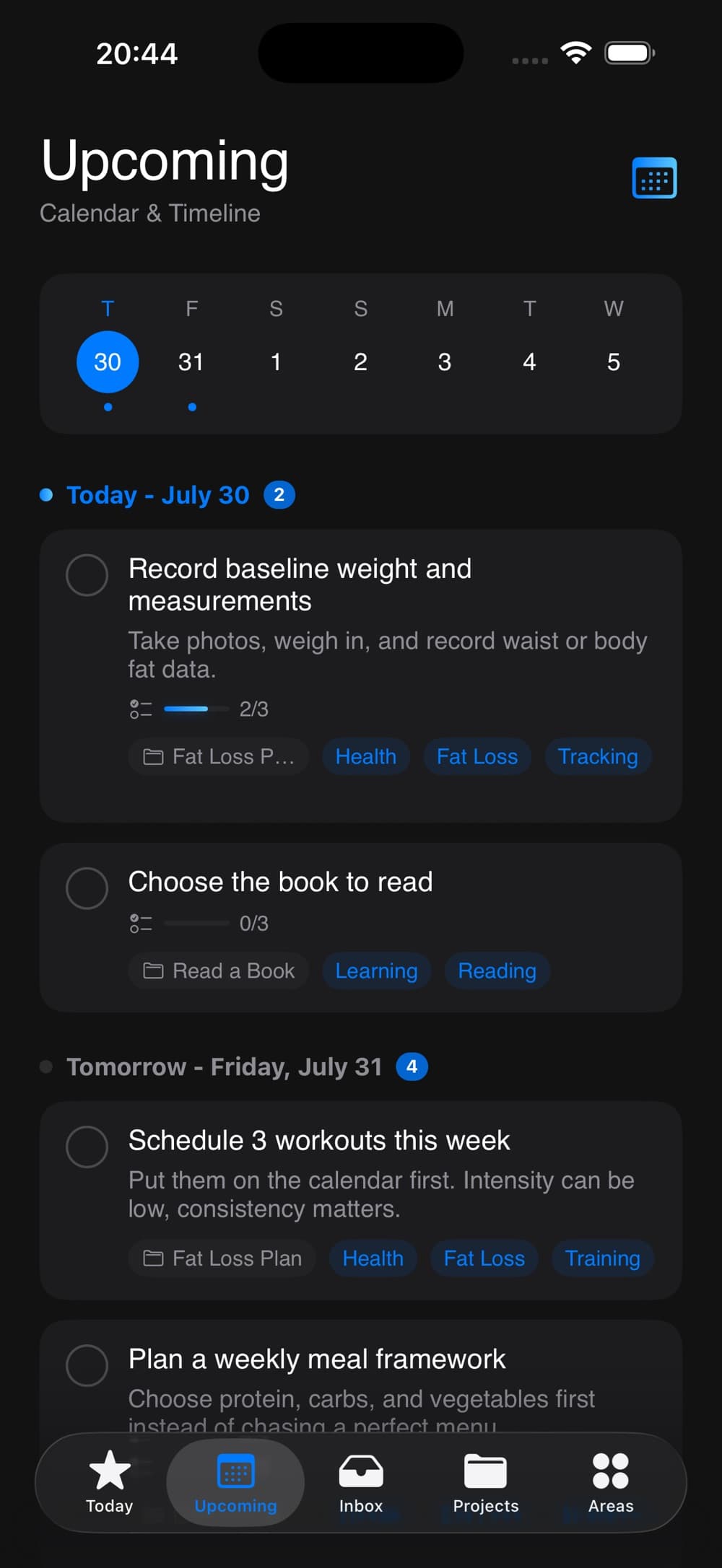
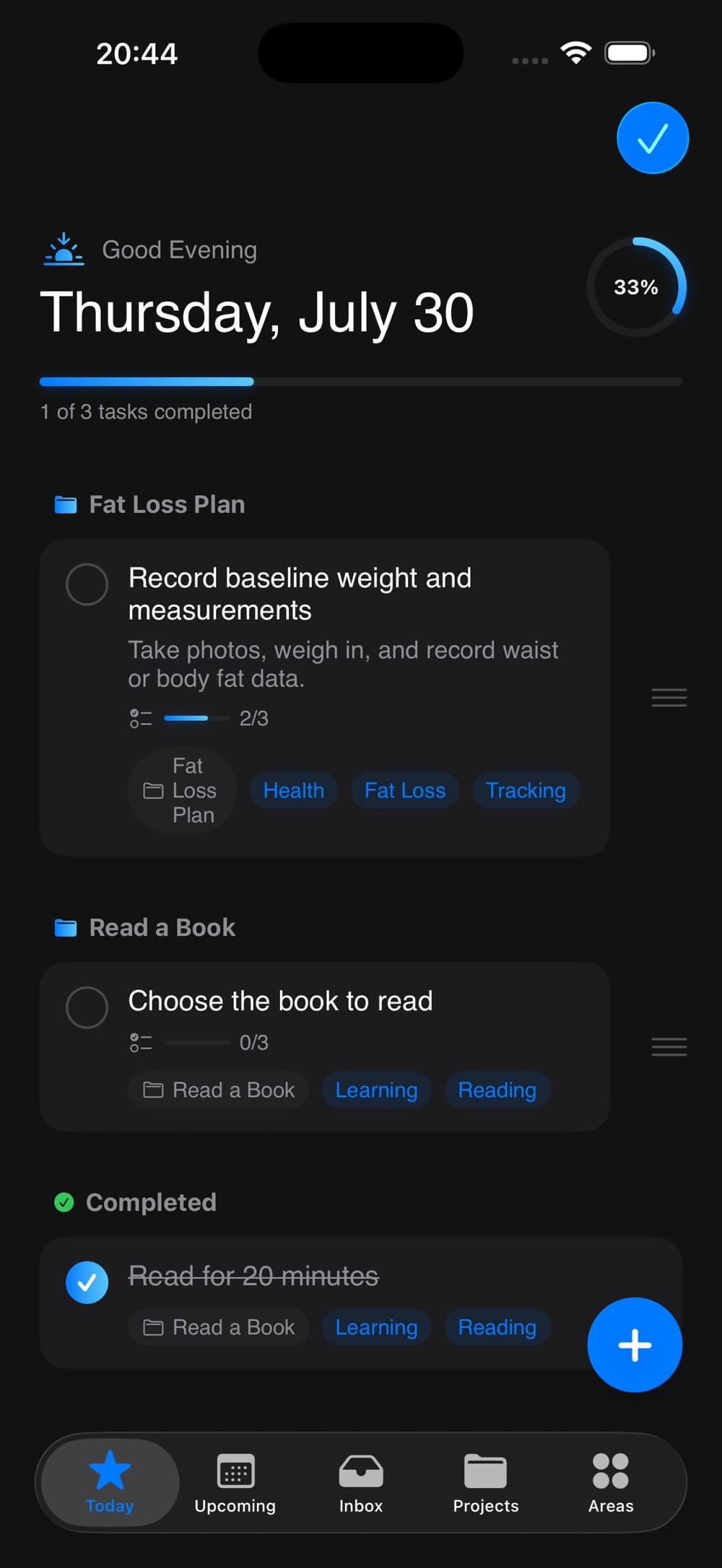
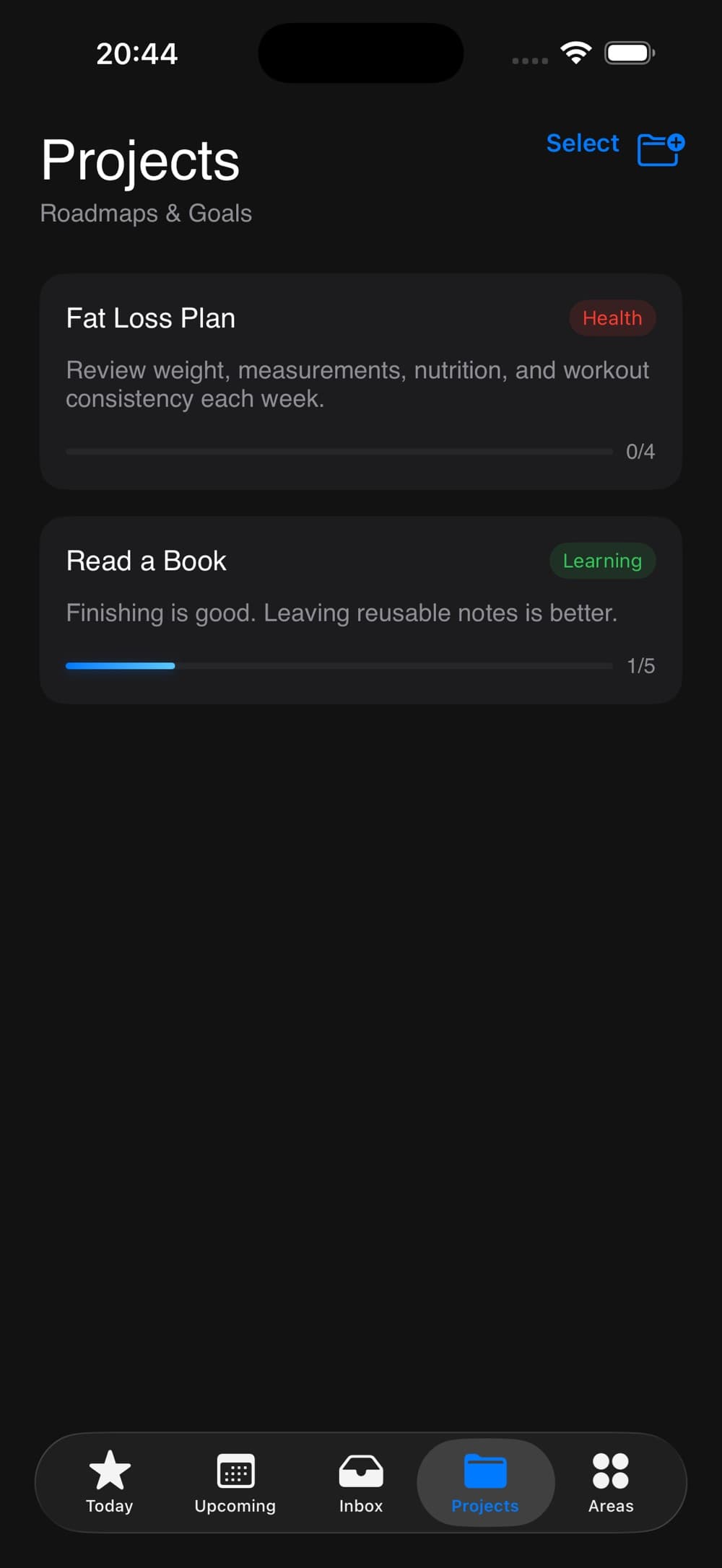
Move between Today, Inbox, Upcoming, Projects and Areas to find the right level of detail.
Productivity · IndieAppLab
 On the App Store
A calm task manager for the day, the projects and everything in between.
Key features
Move between Today, Inbox, Upcoming, Projects and Areas to find the right level of detail.
Turn larger goals into projects, checklists and smaller actionable steps.
Add due dates, priorities and repeat rules to keep tasks moving.
Use ready-made project templates to get common plans and routines underway.
App preview
App guide
The task manager includes Today, Inbox, Upcoming, Projects and Areas views.
Yes. Organize larger goals into projects, checklists and actionable steps.
Add due dates, priorities and repeat rules to keep tasks moving. You can also start plans from project templates.
Scan to download
Scan with your phone camera to open this app's App Store page.