A phone in 3D
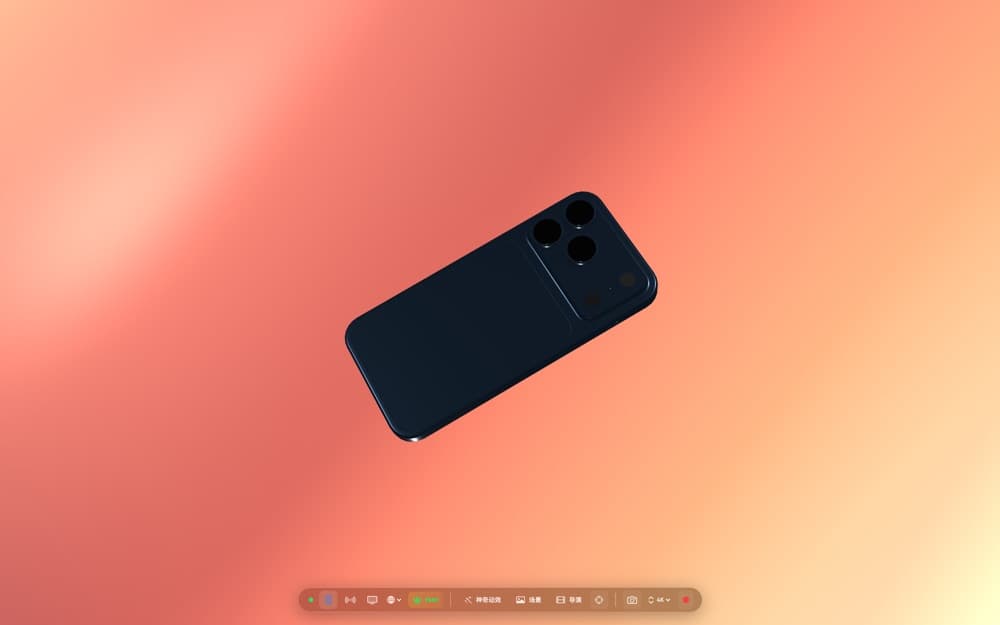
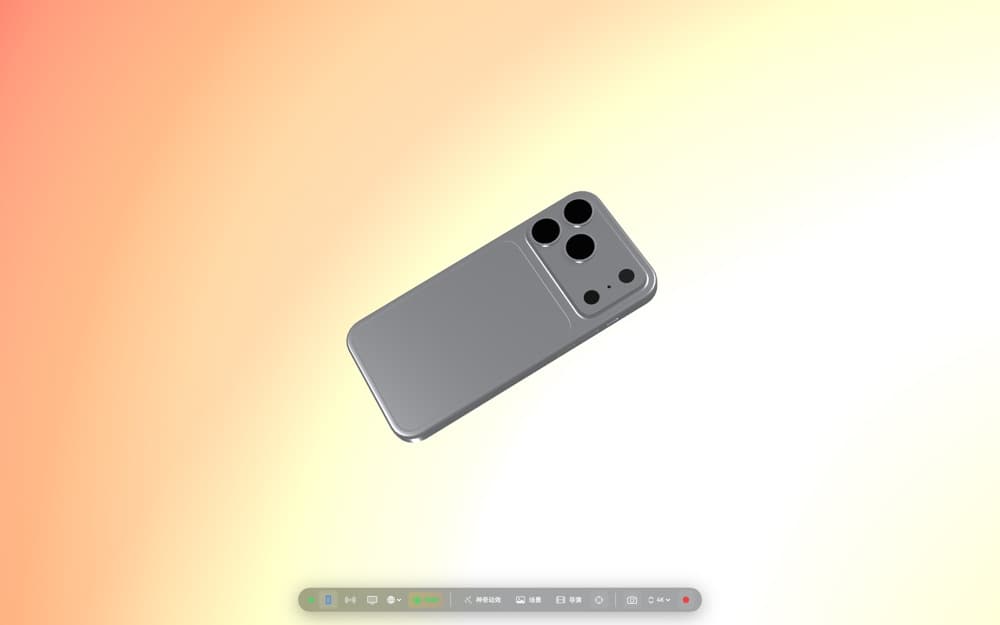
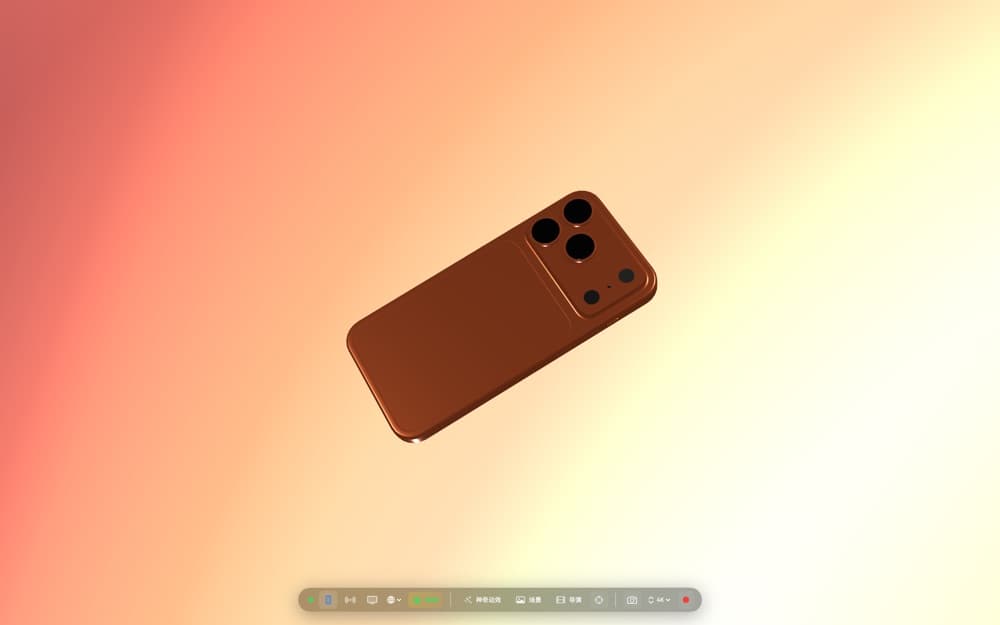
Compose a virtual device with detailed finishes, flexible angles and close-up framing.
Photo & video · IndieAppLab
 On the App Store
Create polished 3D iPhone showcases on your Mac.
Key features
Compose a virtual device with detailed finishes, flexible angles and close-up framing.
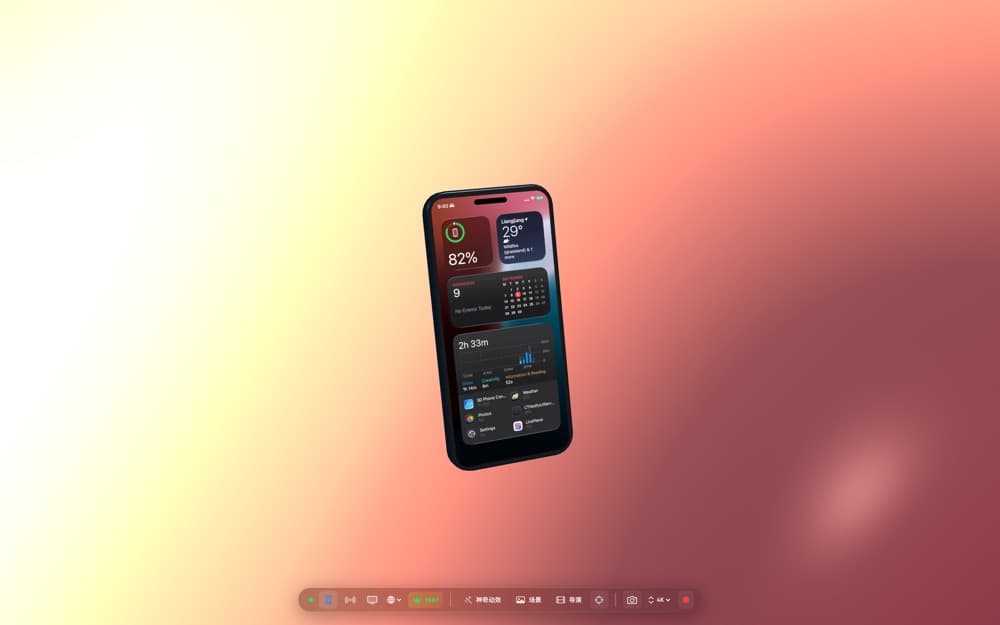
Show your iPhone screen on the 3D model with built-in wireless AirPlay mirroring.
Choose from cinematic camera moves and adjust their pacing for a product reveal.
Create app demos, launch videos, portfolio reels and live presentations from your Mac.
App preview
App guide
Use it on your Mac to create app demos, launch videos, portfolio reels and live presentations with a 3D iPhone model.
Yes. 3D Phone Studio includes wireless AirPlay mirroring to show your iPhone screen on the virtual device.
You can choose from cinematic camera moves and adjust their pacing for a product reveal.
Scan to download
Scan with your phone camera to open this app's App Store page.