Move in real time
The iPhone gyroscope and accelerometer mirror your device’s pitch, roll and rotation on screen.
Photo & video · IndieAppLab
 On the App Store
Use your iPhone to move and control a 3D phone on your Mac.
Key features
The iPhone gyroscope and accelerometer mirror your device’s pitch, roll and rotation on screen.
Show taps and gestures on the 3D device while presenting an app or prototype.
Use your phone to navigate presentation views and camera shots in 3D Phone Studio.
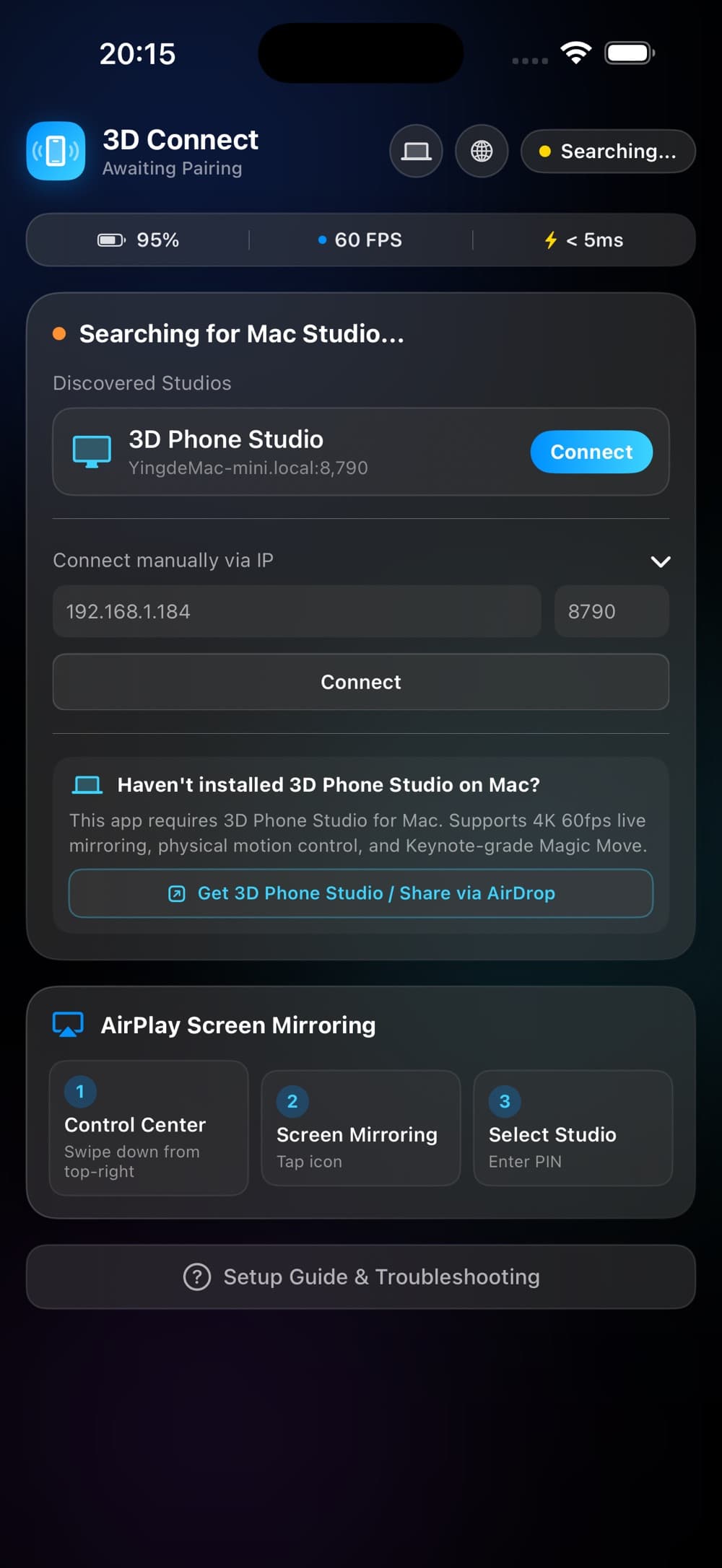
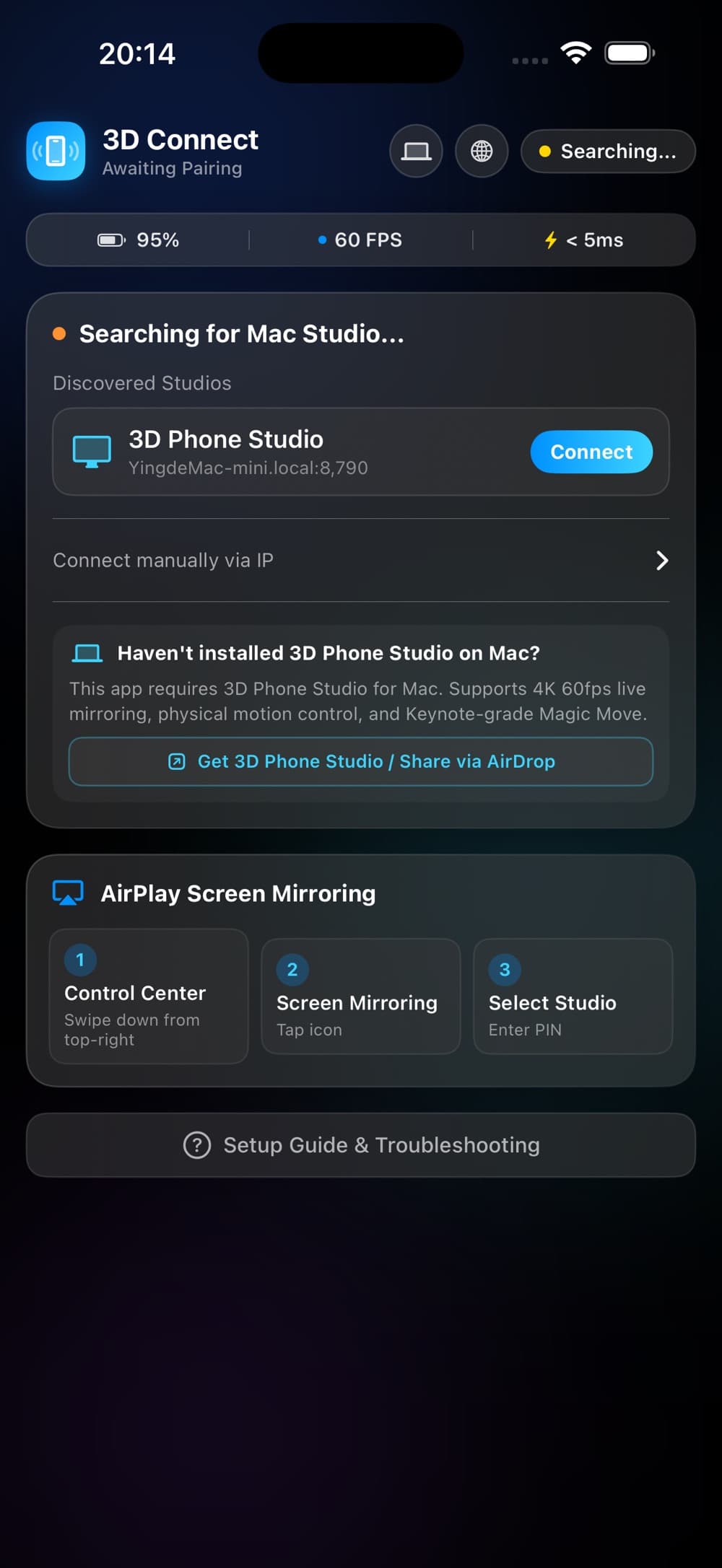
Connect to 3D Phone Studio running on a Mac on the same network.
App preview
App guide
3D Phone Connect uses the iPhone gyroscope and accelerometer to map pitch, roll and rotation to the on-screen model.
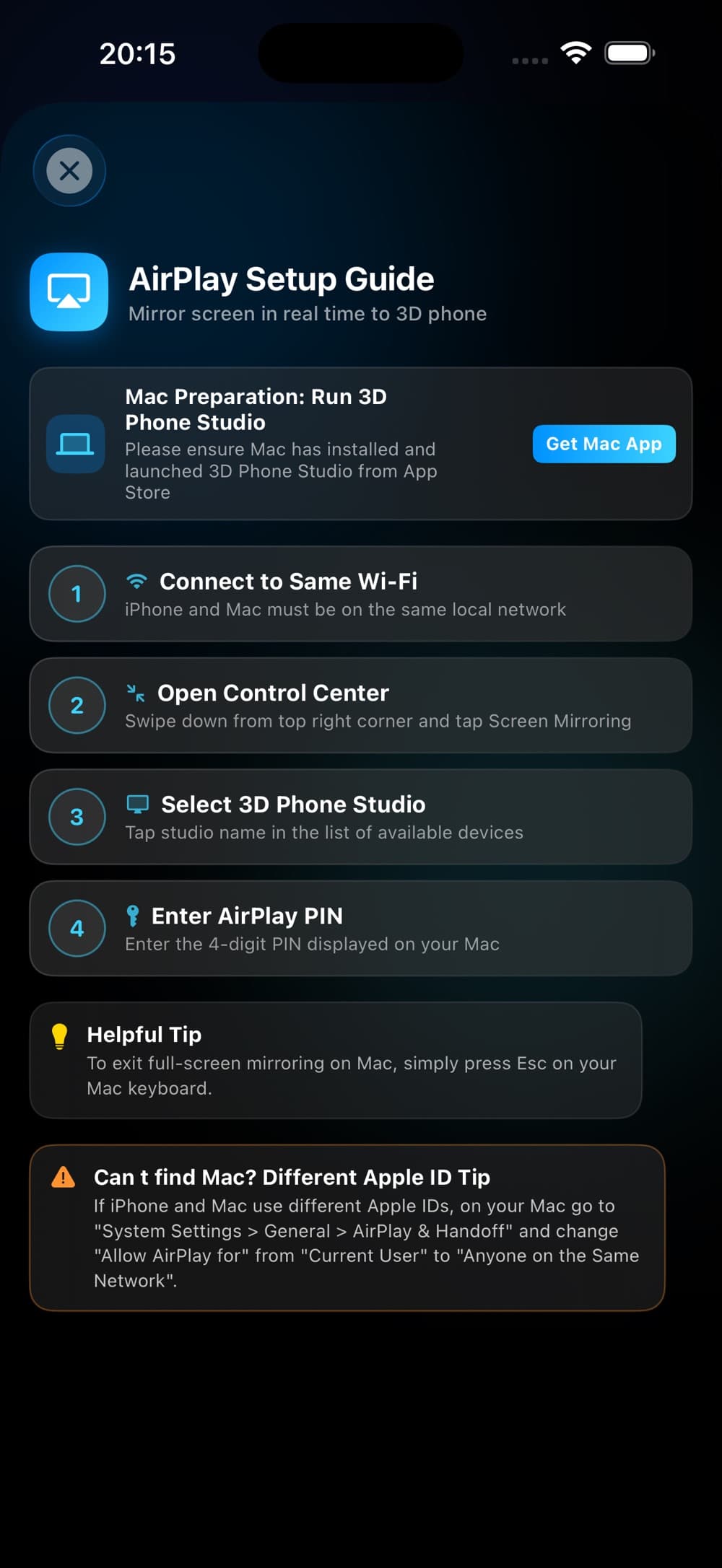
Connect the iPhone and a Mac running 3D Phone Studio to the same local Wi-Fi network.
Yes. Touch the virtual screen to present taps and gestures on the 3D device while showing an app or prototype.
Scan to download
Scan with your phone camera to open this app's App Store page.