Choose a clock face
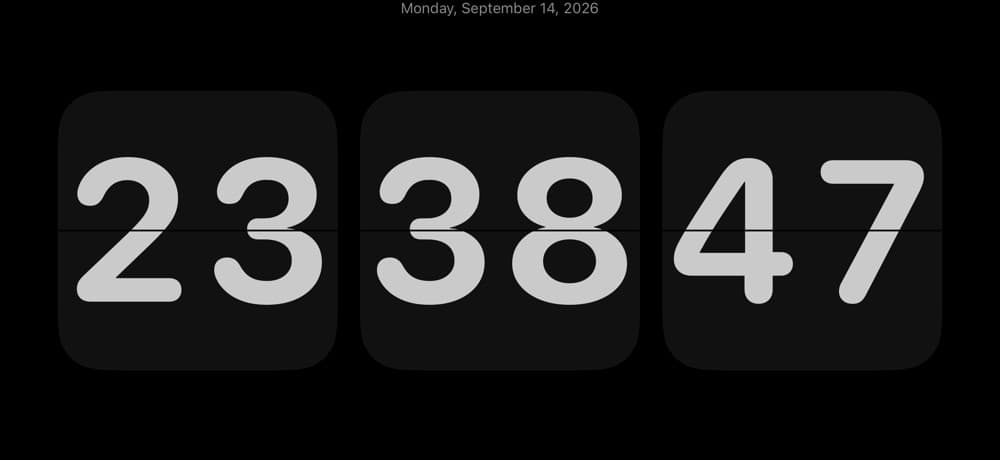
Switch between flip, Bauhaus, glass and dot-matrix styles, with a range of colors and type.
Productivity · IndieAppLab
 On the App Store
A full-screen clock and focus companion for your desk.
Key features
Switch between flip, Bauhaus, glass and dot-matrix styles, with a range of colors and type.
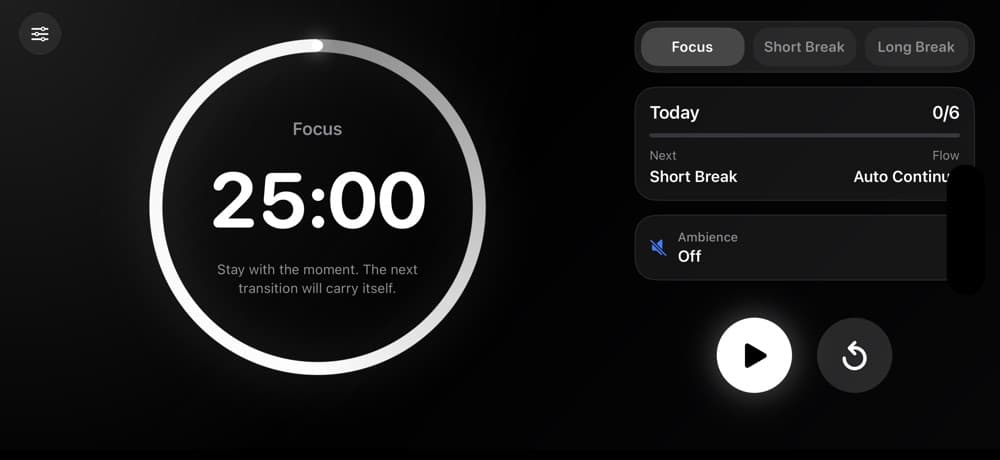
Plan work and rest intervals with a Pomodoro timer and ambient sounds.
Adjust the display brightness and scale the clock to suit your desk or bedside table.
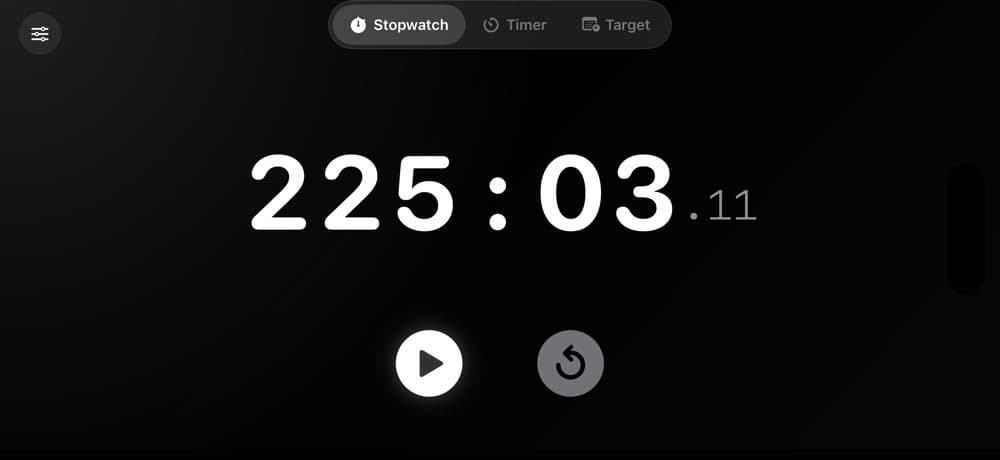
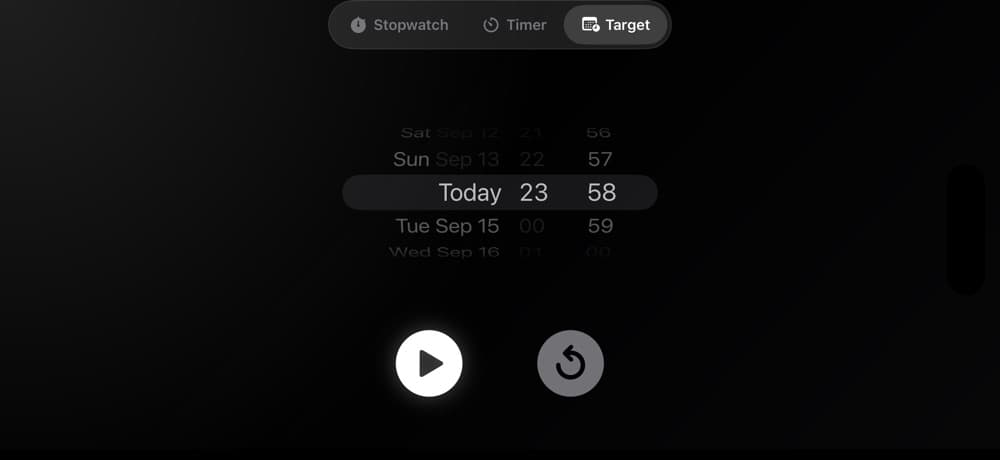
Use a target countdown, stopwatch and calendar details alongside the clock.
App preview
App guide
Flip Clock Pro includes flip, Bauhaus, glass and dot-matrix faces, with a range of colors and type.
Yes. You can plan work and rest intervals with a Pomodoro timer and ambient sounds.
The app also includes a target countdown, stopwatch and calendar details, and lets you adjust display brightness and clock size.
Scan to download
Scan with your phone camera to open this app's App Store page.